
How to Choose a PoE Switch: Complete Guide for Kuwait Businesses
Power over Ethernet (PoE) switches simplify network installations by delivering both data and power through a single Ethernet cable. Whether you're powering WiFi access points, IP cameras, or VoIP phones, the right PoE switch saves time, reduces cabling, and cuts deployment costs. This guide explains PoE standards, budgets, and helps you pick the best switch for your Kuwait office.
Understanding PoE Standards
Three main PoE standards exist: 802.3af (PoE) delivers 15.4W per port — enough for VoIP phones and basic WiFi APs. 802.3at (PoE+) delivers 30W — needed for WiFi 6 access points and PTZ cameras. 802.3bt (PoE++) delivers up to 90W — for video conferencing gear and LED lighting. Always match your switch to the highest requirement of any device you'll connect.
Calculating PoE Budget
PoE budget is the total wattage a switch can deliver across all its ports simultaneously. For example, a 24-port switch with a 400W budget can't power 24 WiFi 6 APs (which need 30W each = 720W total). Plan for at least 20% headroom above your actual needs. Always check the switch's PoE budget, not just the per-port wattage.
Managed vs Unmanaged PoE Switches
Unmanaged PoE switches are plug-and-play — no configuration needed, ideal for small offices or single-purpose networks. Managed switches add VLANs, QoS, port monitoring, SNMP, and remote management — essential for enterprise deployments where you need to segment traffic or monitor uptime. Layer 3 managed switches add inter-VLAN routing.
Our Top PoE Switch Picks
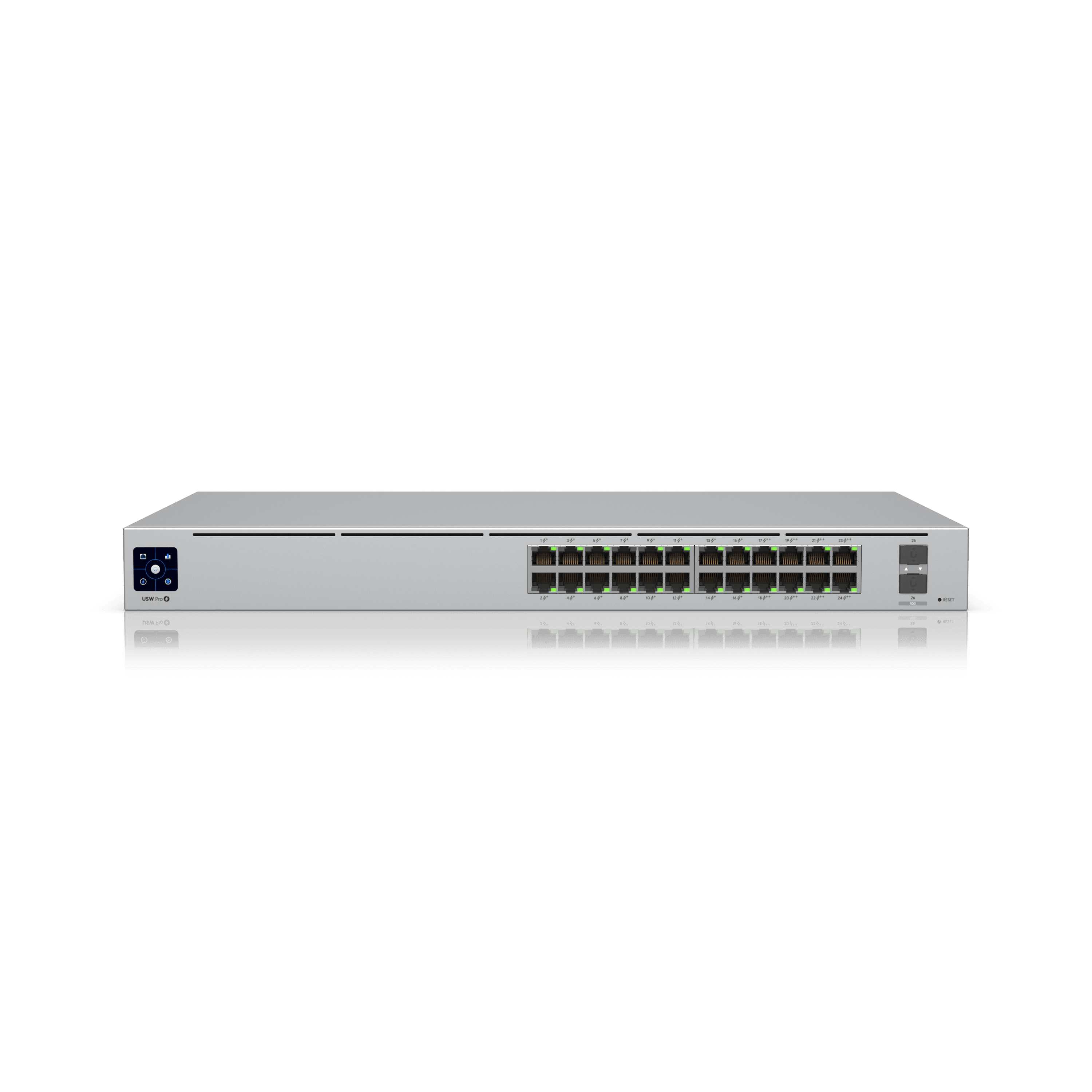
For small offices: the MikroTik CRS326-24G-2S+RM offers 24 Gigabit ports with 2x 10G SFP+ uplinks and dual-OS support (SwOS for simplicity, RouterOS for advanced features) at 169 KD. For enterprise: the Ubiquiti USW Pro 24 PoE delivers 24 Gigabit PoE+ ports with a generous 400W budget and full UniFi Network management at 479 KD. For Grandstream shops: the GWN7806 offers 24 PoE+ ports with 370W budget and GWN.Cloud management at 125 KD.
Match Your PoE Switch to Your Network
For an office with 10 WiFi 6 access points, 5 IP cameras, and 10 VoIP phones, you need: 10 APs × 30W = 300W + 5 cameras × 15W = 75W + 10 phones × 7W = 70W = 445W total. A switch with 500W+ PoE budget gives you headroom. Consider the USW Pro 48 PoE (600W) or Grandstream GWN7806 (370W with 24 ports) for smaller deployments.
Products Mentioned in This Guide

 MikroTik·Switches
MikroTik CRS326-24G-2S+RM Switch
A 24-port rackmount Gigabit switch with dual 10G uplinks, running SwOS or RouterOS for flexible Layer 2/3 networking.
-13% Ubiquiti·Switches
Ubiquiti USW Pro 24 PoE
A 24-port PoE+ managed switch delivering 400W of power and 10G uplinks — ideal for powering and connecting entire floors.
Frequently Asked Questions
How do I know how much PoE budget I need?
Add up the power draw of all devices you plan to power simultaneously, then add 20% headroom. A WiFi 6 AP needs about 30W (PoE+), an IP camera 10-15W, a VoIP phone 5-8W. Multiply and sum, then choose a switch with at least 20% more budget.
Can I use PoE+ (802.3at) devices on a PoE (802.3af) switch?
No. PoE devices need at least the minimum wattage they're designed for. A WiFi 6 AP needing PoE+ (30W) won't work on a PoE-only switch that delivers 15.4W. Always use a switch with PoE+ or higher for modern equipment.
What's the difference between SwOS and RouterOS on MikroTik switches?
SwOS is MikroTik's simplified switch OS — easier to use for basic VLAN and port configuration. RouterOS adds full Layer 3 routing, firewall, and advanced features. MikroTik CRS series switches can boot into either OS, giving you flexibility based on your needs.
Need Help Choosing?
Our team can recommend the right products for your specific deployment in Kuwait.
Contact Centrix