
Kuwait CCTV Compliance Guide 2026: SSD Requirements for Trade License Renewal
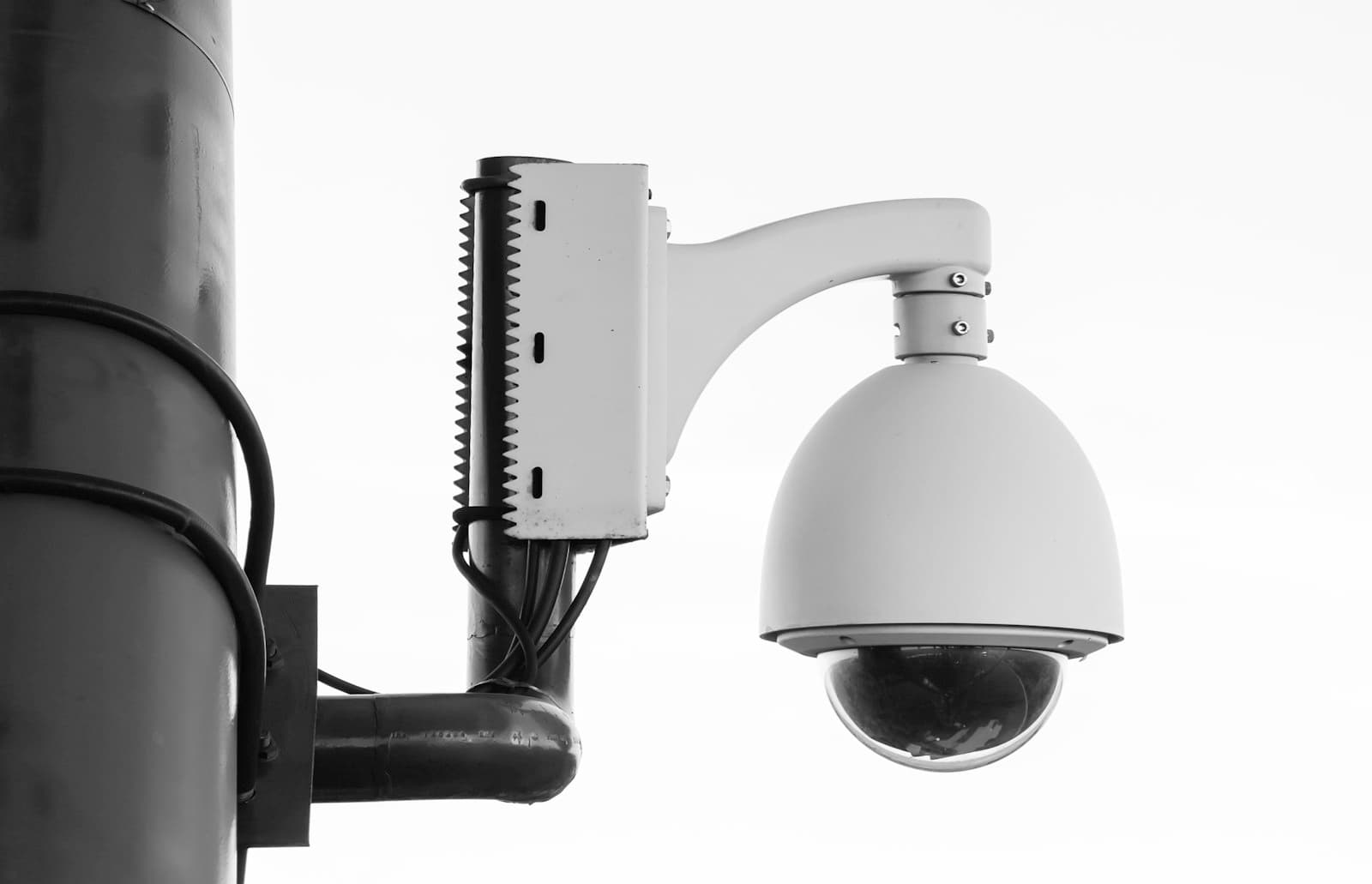
If you operate a business in Kuwait, the Security Systems Department (SSD) of the Ministry of Interior requires CCTV systems that meet specific technical standards. Failing to comply can delay trade license renewals, block new business registrations, and trigger fines.
This guide walks through what the SSD actually requires in 2026, what gear satisfies the rules, and how to design a compliant system that does not just check a box but genuinely secures your business.
Who needs SSD-compliant CCTV in Kuwait?
Most commercial premises require a registered CCTV system to obtain or renew a trade license. The list includes:
If your business interacts with the public or stores valuables, assume CCTV is mandatory.
Core SSD requirements at a glance
These are the technical baselines most Kuwait businesses are expected to meet. The exact thresholds depend on your business type and risk category, so always confirm with your SSD inspector before purchasing.
| Requirement | Typical Standard | Notes |
|---|---|---|
| Camera resolution | 2 MP (1080p) minimum, 4 MP recommended | Higher resolution required for cash-handling and entry points |
| Recording retention | 30 days minimum | 90 days for banks and high-risk premises |
| Frame rate | 15 fps minimum, 25 fps preferred | Critical at entry/exit points |
| Camera coverage | All entrances, exits, cash counters, parking | Blind spots disqualify the system |
| Power backup | UPS with minimum 4 hours runtime | Some sectors require longer |
| Storage | Local NVR with sufficient capacity | Cloud-only storage is not accepted |
| Time and date stamp | Always on, synced to network time | Tampered timestamps invalidate footage |
| Tamper-resistance | Cameras out of reach, NVR locked | Physical access controls required |
Camera placement that actually passes inspection
Inspectors look for specific coverage zones. Plan your installation around these:
Mandatory zones
Often missed zones
Resolution rules of thumb
How much storage do you actually need?
Storage capacity drives a large part of your hardware budget. A rough formula:
Storage (GB) = (Cameras × Bitrate Mbps × 86400 seconds × Days) / 8000
A practical 8-camera setup with H.265 compression:
Planning tip: Always buy at least 50% more storage than the calculation suggests. Footage that is overwritten before you need it is the most common reason businesses fail incident reviews.
Network infrastructure: the part most installers get wrong
CCTV is a network workload. If your network gear is not up to it, your cameras will drop frames, your NVR will lose feeds, and your inspector will fail you.
What you need
PoE switches
Modern IP cameras are powered over Ethernet, so your switch must supply enough PoE budget for every camera plus headroom. As a rule of thumb:
For a typical 16-camera site, a PoE switch with at least 240W budget is the sweet spot. Look at these options from our catalog:
Network bandwidth
CCTV traffic is bursty and consistent. Common pitfalls:
NVR connectivity
The NVR (Network Video Recorder) is the heart of the system. It needs:
Common failure points during inspection
Based on real Kuwait inspection feedback:
1. Time desync
Your NVR and cameras must be synced to a reliable NTP server (we recommend pool.ntp.org or your router as the local time source). A 10-minute drift between cameras and reality can invalidate your footage in court.
2. Internet outage = no recording
Some installers connect cameras through a cloud relay. If the internet drops, recording stops. SSD requires local NVR recording that does not depend on internet uptime.
3. Insufficient retention
"30 days minimum" means continuous 30 days, not "30 days when motion is detected, otherwise it overwrites." Configure your NVR for continuous recording at the entrance and cash handling zones.
4. No tamper detection
If a camera is unplugged or covered, your system should log the event. Most modern NVRs do this — but only when configured. Enable tamper alerts before your inspection.
5. Default passwords
SSD inspectors increasingly ask if devices are using default credentials. Change every camera and NVR password before installation. Document the new passwords in a sealed envelope kept off-site.
Step-by-step compliance checklist
Use this list when preparing for inspection:
What to budget
For a typical Kuwait small business (8-12 cameras, 30-day retention):
Banks, jewellery shops, and high-risk premises will spend 2-4x this for higher resolution, longer retention, and redundancy.
How Centrix can help
We do not sell CCTV cameras directly, but we supply the network backbone that every CCTV installation depends on:
If you are planning a new CCTV install, talk to us first — getting the network right means your cameras will actually work on inspection day.
Quick FAQ
Is wireless CCTV allowed?
For non-critical, supplementary cameras only. Primary cameras at entrances must be wired.
Can I use my existing office network for CCTV?
Technically yes, but inspectors prefer a dedicated VLAN at minimum. A separate physical switch is even better for reliability.
Do I need to register the CCTV system with SSD?
Most commercial premises do, particularly during trade license renewal. Your installer should handle the paperwork.
How often is the inspection?
Annually with trade license renewal, plus random spot checks for high-risk premises.
What happens if I fail?
You get a list of corrections and typically 30 days to remedy. Repeat failures can delay license renewal.
Next step
A non-compliant CCTV system can cost you weeks of trade license delays. A well-designed one becomes invisible — running quietly, ready when you need it.
If you want help designing the network side of a CCTV install in Kuwait, our engineers will spec the switches, cabling, and remote-access setup for free as part of any project quote. Get in touch on WhatsApp or call us at 2208 5406.