
WiFi 7 in Kuwait: Is It Worth Upgrading in 2026?
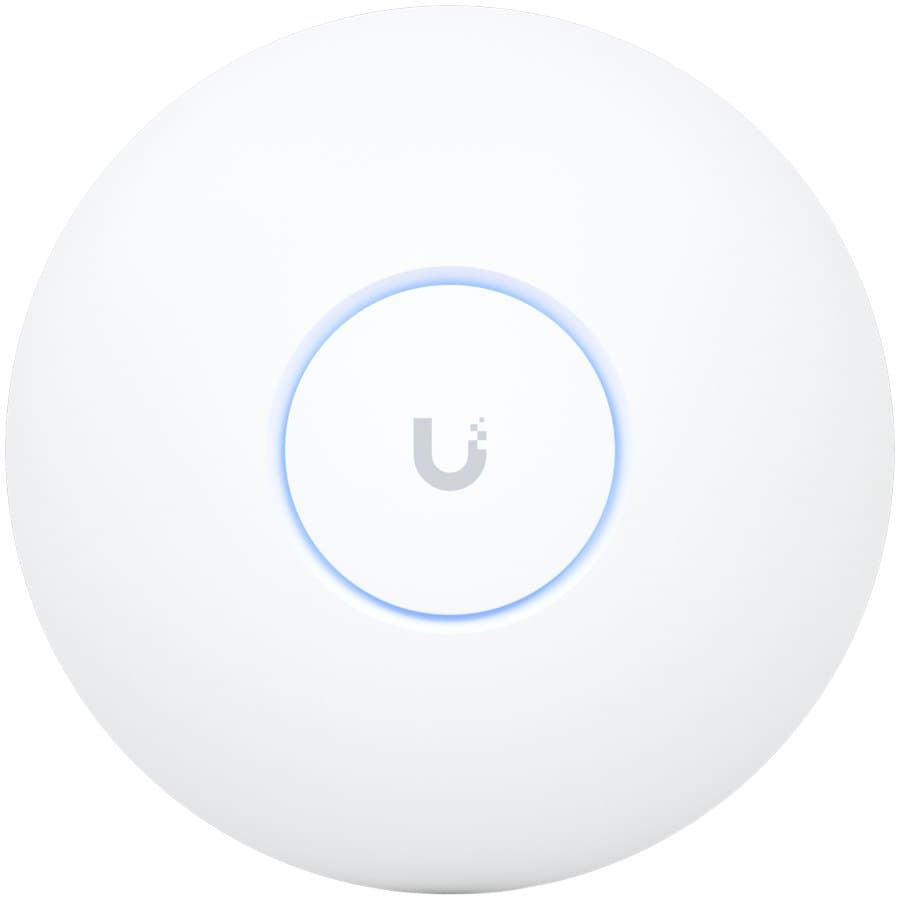
WiFi 7 is here. Access points from TP-Link, Ubiquiti, and Aruba are already shipping. But before you replace your entire wireless infrastructure, it's worth understanding exactly what WiFi 7 changes — and what it doesn't.
What is WiFi 7?
WiFi 7 is the marketing name for IEEE 802.11be. It builds on WiFi 6 (802.11ax) and WiFi 6E (the 6 GHz extension) with three headline improvements:
1. Multi-Link Operation (MLO)
This is the biggest practical change. MLO lets a device connect on two or three bands simultaneously — for example, 5 GHz and 6 GHz at the same time. The access point aggregates the bandwidth and automatically shifts traffic to the less congested band in real time.
The result: lower latency and more consistent throughput in congested environments.
2. 320 MHz channel width
WiFi 6 topped out at 160 MHz. WiFi 7 doubles that to 320 MHz on the 6 GHz band. Combined with 4096-QAM (up from 1024-QAM in WiFi 6), peak theoretical speeds exceed 46 Gbps.
In practice, real-world throughput for a single device is closer to 2–4 Gbps — but that's still a meaningful jump from WiFi 6's real-world 1–2 Gbps.
3. Better handling of dense environments
Punctured channel access lets an AP use a wide 320 MHz channel while punching out the parts that would interfere with neighbouring networks. More useful in dense office buildings — exactly the kind of environment found in Salmiya, Kuwait City, and Sharq towers.
---
Does it matter in Kuwait specifically?
A few Kuwait-specific factors affect whether WiFi 7 makes sense for you:
6 GHz spectrum availability
WiFi 6E and WiFi 7 both use the 6 GHz band for their highest speeds. Kuwait's telecommunications regulator (CITRA) opened the 6 GHz band for indoor unlicensed use in 2024, which means 6 GHz capable devices can use that spectrum legally.
This is significant — in countries where 6 GHz isn't yet approved, WiFi 7 APs effectively operate as expensive WiFi 6E units.
ISP speeds
Most Kuwait residential and SME fibre connections top out at 200–500 Mbps, with some reaching 1 Gbps. WiFi 7's multi-gigabit throughput advantage only matters once your internet connection exceeds 1 Gbps. For most users today, your ISP is still the bottleneck — not your wireless.
Client device support
WiFi 7 requires WiFi 7 client devices to get the full benefit. As of 2026, WiFi 7 is found in:
Most office laptops, older phones, and IoT devices are still WiFi 5 or WiFi 6. Your AP is only as fast as the client connecting to it.
---
WiFi 7 vs WiFi 6: practical comparison
| Feature | WiFi 6 | WiFi 7 |
|---|---|---|
| Max channel width | 160 MHz | 320 MHz |
| Max modulation | 1024-QAM | 4096-QAM |
| Multi-link operation | No | Yes |
| Typical single-device throughput | 1–1.5 Gbps | 2–4 Gbps |
| 6 GHz band support | WiFi 6E only | Yes (built-in) |
| Our in-stock ceiling AP, price at the time of writing | U6 Pro 57.00 KWD | U7 Pro Max 139.31 KWD |
| Uplink port on those two models | 1x Gigabit | 1x 2.5 Gbps |
---
When should you upgrade?
Upgrade now if:
Wait if:
Don't upgrade if:
---
The Wi-Fi 7 access points we hold in stock
A Wi-Fi 7 article that names no hardware is not much use to anyone buying one, so here is what is on our shelf in Kuwait, with our prices at the time of writing. Every figure below comes from our own catalogue data for that part number.
UniFi U7 Pro Max — 139.31 KWD, in stock
Tri-band 2.4 / 5 / 6 GHz ceiling access point on 802.11be, with a 2.5 Gbps uplink instead of a Gigabit one, 25W over PoE+, and VLAN tagging. Rated to 50 °C ambient.
This is the default specification for a new indoor deployment. The 6 GHz radio is where Wi-Fi 7's wide channels live, and the multi-gig port is what stops the wired side becoming the ceiling. Check the ambient rating against where it is actually going — a sealed ceiling void above a Kuwait office in August is not the same environment as the floor below it.
UniFi U7 Pro XG Wall — 131.56 KWD, in stock
Tri-band 802.11be in a wall-mount body with a 10 Gbps port, 2x2 MIMO, 22W PoE+, RADIUS authentication and Hotspot 2.0. Rated to 40 °C ambient.
For a hotel room, a meeting room, a clinic consulting room or a corridor where a ceiling mount is not practical or not permitted. The RADIUS and Hotspot 2.0 support is the reason this gets specified for hospitality rather than a cheaper wall unit.
UniFi U7 Outdoor — 92.57 KWD, in stock
IPX6, rated to 60 °C ambient, 2.5 Gbps uplink, 19W, WPA3.
Read the band list before you specify it. This one is 2.4 and 5 GHz only. It is 802.11be, so it gets Wi-Fi 7's efficiency work, but it has no 6 GHz radio and therefore none of the 320 MHz throughput discussed at the top of this article. For a car park, a yard, a terrace or a compound that is the right trade, because 6 GHz does not carry far outdoors or through walls anyway. Just do not buy it expecting the headline numbers.
The thing that decides real throughput: the uplink, not the generation
Look at the Wi-Fi 6 access points we stock and the point makes itself.
| Model | Standard | Rated aggregate | Uplink port | PoE | Price at the time of writing |
|---|---|---|---|---|---|
| UniFi U6 Lite | Wi-Fi 6, 2x2 | 1.5 Gbps | 1x Gigabit | 802.3af | 55.00 KWD |
| UniFi U6 Pro | Wi-Fi 6, 4x4 on 5 GHz | 5.3 Gbps | 1x Gigabit | 802.3at, 13W | 57.00 KWD |
| UniFi U6 Mesh | Wi-Fi 6, 4x4 on 5 GHz | 5.3 Gbps | 1x Gigabit | 802.3af, 11.4W | 119.00 KWD |
| UniFi U6 In-Wall | Wi-Fi 6, 4x4 on 5 GHz | 5.3 Gbps | 1x Gigabit, plus 4x Gigabit downlink | 802.3at in | 109.00 KWD |
| UniFi U6 Enterprise | Wi-Fi 6E, tri-band | 10.2 Gbps | 1x 2.5G | 802.3at | 249.00 KWD |
| TP-Link EAP610 | Wi-Fi 6, 2x2 | 1.8 Gbps | 1x Gigabit | 802.3af/at | 32.00 KWD |
| TP-Link EAP620 HD | Wi-Fi 6, AX1800 | 574 + 1201 Mbps | 1x Gigabit | 802.3at, up to 14.9W | 42.00 KWD |
| TP-Link EAP660 HD | Wi-Fi 6, 4x4 + 2x2 | 3.6 Gbps | 1x 2.5G | 802.3at | 85.00 KWD |
| TP-Link EAP610-Outdoor | Wi-Fi 6, AX1800, IP68 | 574 + 1201 Mbps | 1x Gigabit | 802.3at or 48V passive | 52.00 KWD |
The U6 Pro is rated at 5.3 Gbps aggregate and 350-plus concurrent clients, and it has one Gigabit port. Nothing behind that port will ever see more than a gigabit, however good the radio is. The same is true of the U6 Mesh and the EAP610.
That is the honest version of the Wi-Fi 6 versus Wi-Fi 7 question for most Kuwait sites. If your fibre line is 500 Mbps, the generation on the box changes almost nothing. What changes something is a multi-gig uplink and a 6 GHz radio, and on our shelf that means the U7 Pro Max, the U7 Pro XG Wall, or on the Wi-Fi 6E side the U6 Enterprise and the EAP660 HD.
Budget for the switch, not just the access points
This is the line item that gets missed on refresh projects.
The U6 Lite and U6 Mesh run on plain 802.3af and draw 11.4W or less. The Wi-Fi 7 units draw 19W to 25W and expect PoE+ at 42.5 to 57 V.
So if you are replacing a floor of U6 Lites on an 802.3af-only switch with U7 Pro Max units, the switch is part of the project. Count the new per-port draw against the switch's total PoE budget before you quote the access points, or the quote is wrong by the price of a switch.
The U6 In-Wall has the opposite problem worth knowing about: it offers 15.4W of PoE output on one of its four downlink ports, but only when it is fed with PoE+ itself. Feed it 802.3af and that passthrough port does nothing.
One more environmental note. The EAP620 HD is rated 0 to 40 °C operating. That is fine in an air-conditioned office and marginal in a ceiling void, a plant room or a shop that shuts the air conditioning off at night. The EAP610-Outdoor is rated −30 to 70 °C and IP68, and the U7 Outdoor to 60 °C and IPX6. Match the rating to the place, not to the price.
Our recommendation for Kuwait in 2026
| Situation | Buy |
|---|---|
| New indoor deployment, budget allows, you want 5 to 7 years out of it | U7 Pro Max |
| Hotel room, meeting room or corridor, no ceiling mount | U7 Pro XG Wall |
| Car park, yard, terrace or compound | U7 Outdoor or EAP610-Outdoor |
| Dense office or high client count, want 6 GHz without full Wi-Fi 7 pricing | U6 Enterprise |
| Best value per AP for an ordinary office floor | U6 Pro or EAP660 HD if you want the 2.5G uplink |
| Small office, shop or clinic on a tight budget | U6 Lite or EAP610 |
| Coverage gap with no cable route | U6 Mesh |
| Existing Wi-Fi 6 installed in the last two years | Nothing. Plan Wi-Fi 7 into the next refresh cycle. |
What Centrix carries
We stock Wi-Fi 6, Wi-Fi 6E and Wi-Fi 7 access points from Ubiquiti UniFi and TP-Link Omada, and Aruba Instant On switching to power them. Everything named in this article is published and in stock at the time of writing; the wider UniFi and Omada ranges we list are supplied to order and marked accordingly, so ask us for the lead time before you fix an installation date.
Prices move. Confirm the current figure with us before you build it into a budget, and contact us for a free wireless site survey rather than counting access points off a drawing.