
How to Set Up a Small Office Network in Kuwait (Step-by-Step)
Setting up a small office network in Kuwait doesn't have to be complicated. With the right equipment and a clear plan, you can have a reliable, fast, and secure network ready in a day. This guide walks you through router selection, switching, wireless coverage, and VoIP — with recommended products and approximate costs.
Step 1: Plan Your Network
Start by counting your requirements: number of employees, desk locations, WiFi coverage areas, printers, IP cameras, and VoIP phones. A 10-person office typically needs: 1 router with firewall, 1 managed 24-port PoE switch, 2-3 WiFi access points (ceiling mounted), and 10 IP phones. Total cost: approximately 900-1500 KD depending on brand.
Step 2: Choose Your Router (Gateway)
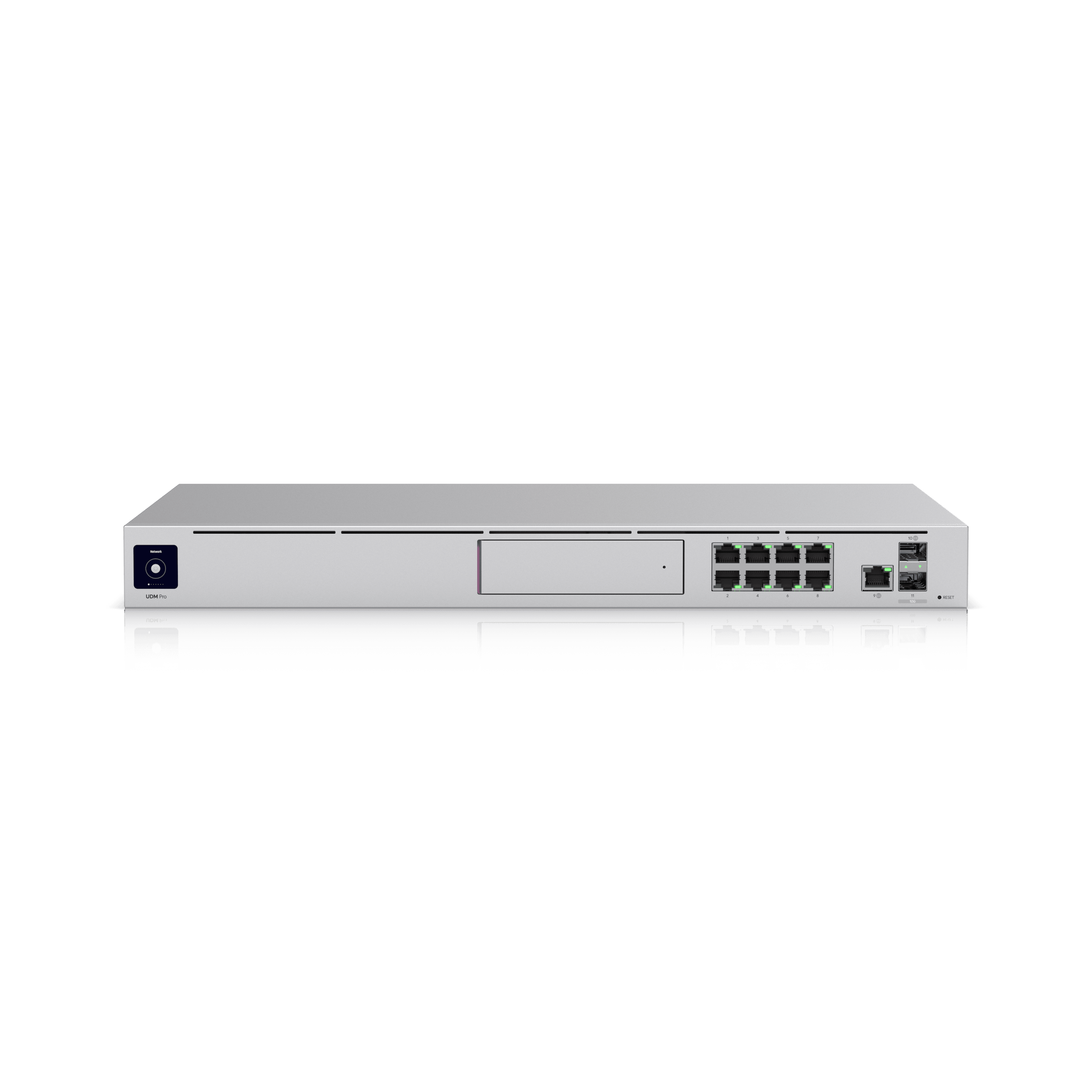
For a small office, the Ubiquiti UniFi Dream Machine Pro (379 KD) is an excellent all-in-one choice — it combines router, firewall, UniFi controller, and NVR for cameras. Alternatively, the MikroTik RB5009UPr+S+IN (199 KD) offers more routing power at a lower price but requires more expertise to configure.
Step 3: Add a PoE Switch
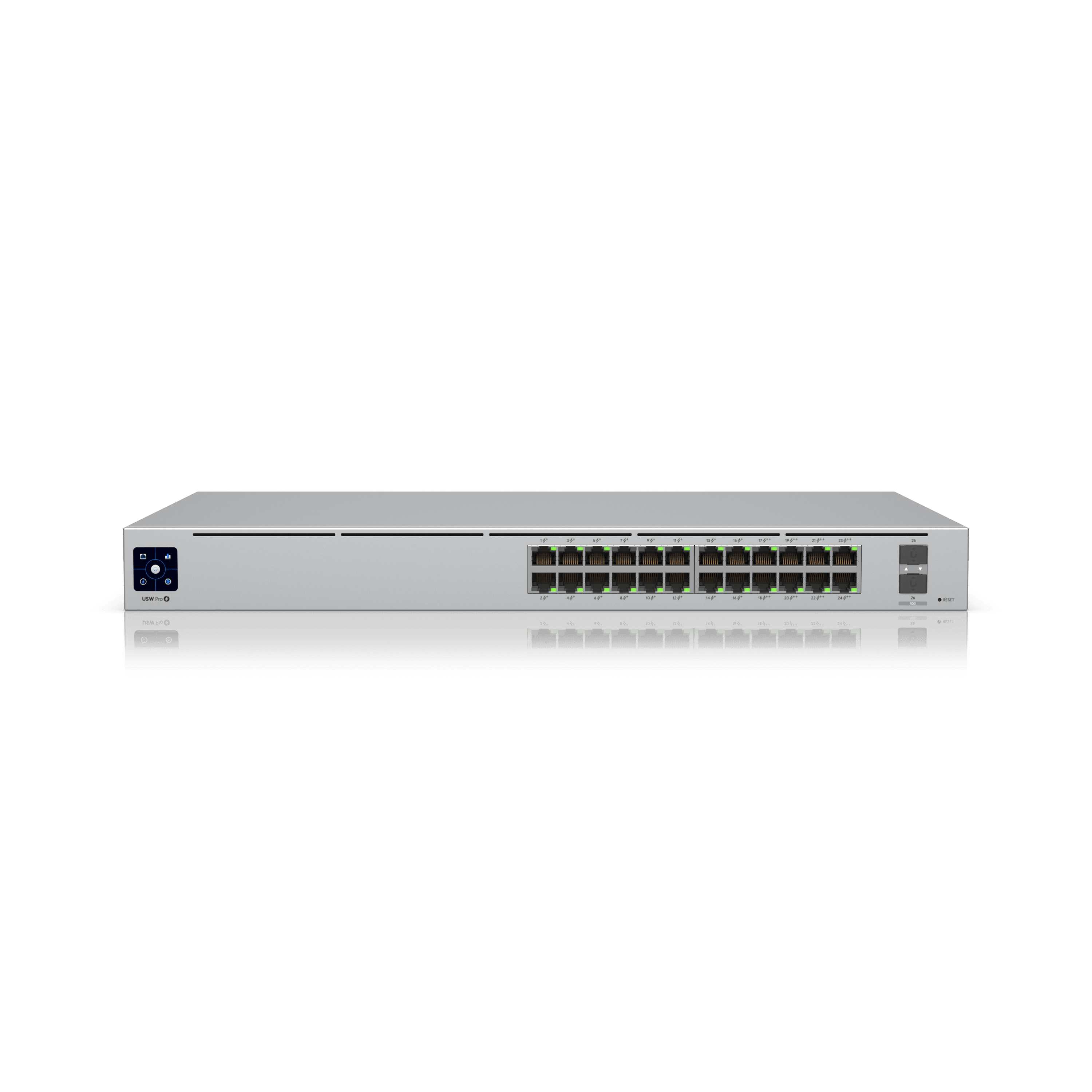
A managed PoE switch powers your access points, phones, and cameras through the Ethernet cable — eliminating wall adapters. The Ubiquiti USW Pro 24 PoE (479 KD) offers 24 Gigabit PoE+ ports with a 400W budget, or the MikroTik CRS326-24G-2S+RM (169 KD) provides a budget-friendly managed option. Make sure total PoE wattage exceeds your devices by 20%.
Step 4: Deploy WiFi Access Points
Place APs centrally in open areas — one AP per 1,500-2,000 sq ft for standard office density. The Ubiquiti U6 Pro (149 KD) provides WiFi 6 with 5.3 Gbps throughput and works with the UDM Pro controller. For budget deployments, the Grandstream GWN7660 (35 KD) offers WiFi 6 with a built-in controller.
Step 5: Install VoIP Phones
For VoIP, choose between Yealink and Grandstream. Yealink SIP-T33G (25 KD) offers Gigabit Ethernet, PoE, and 4 SIP lines for standard desk use. Grandstream GRP2604 (25 KD) is a comparable alternative. Pair with a PBX — the Yeastar P550 (240 KD, supports 50 users) or Grandstream UCM6302 (135 KD, supports 1000 users) are both excellent.
Step 6: Wire and Configure
Run Cat6 cable from the switch to each desk, AP location, and camera. Terminate with RJ45 keystones in wall plates. Configure the router (WAN from ISP, LAN with DHCP), set up VLANs if you need segmentation (e.g., guest WiFi, IoT, office), and provision the WiFi SSIDs. Finally, register IP phones to the PBX and test calls.
Products Mentioned in This Guide
 -12%
-12% Ubiquiti·Routers
Ubiquiti UniFi Dream Machine Pro
An all-in-one 1U appliance combining security gateway, network controller, camera NVR, and managed switch in a single device.
-13%Ubiquiti·SwitchesUbiquiti USW Pro 24 PoE
A 24-port PoE+ managed switch delivering 400W of power and 10G uplinks — ideal for powering and connecting entire floors.
 -12%Ubiquiti·Access Points
Ubiquiti UniFi U6 Pro
Ceiling-mounted WiFi 6 access point with 6 spatial streams (4 on 5 GHz + 2 on 2.4 GHz) designed for large offices and high-density indoor spaces.
Frequently Asked Questions
How much does a small office network cost in Kuwait?
A complete small office network (router, switch, 3 APs, 10 IP phones, PBX) costs approximately 900-1500 KD depending on brand. Centrix offers package deals and free consultation — contact our team for a quote tailored to your office size.
Do I need a PoE switch for my office?
If you plan to use WiFi access points, IP cameras, or VoIP phones, a PoE switch dramatically simplifies installation. Instead of running separate power cables, PoE delivers both data and power through a single Ethernet cable.
Can Centrix install and configure my office network?
Yes, Centrix provides network design, installation, and configuration services in Kuwait. Contact our team at centrixkw.com/contact for a free consultation and quote.
Need Help Choosing?
Our team can recommend the right products for your specific deployment in Kuwait.
Contact Centrix